Create your account
Sign up in six steps: enter your email, pick a plan or the 60-day free trial, verify your email, and set your venue name, menu handle, and currency.
Getting started takes a couple of minutes. The sign-up wizard creates your account and your first venue together, in a few short steps.
Step 1: Enter your email
Head to the sign-up page and enter your email address. This is the address you'll use to log in.
Step 2: Choose a plan
Start with the Free Trial, which gives you 60 days of full access with no credit card required. You can also choose a paid plan (Standard or Premium, billed monthly or yearly) now, and you can change plans at any time later.
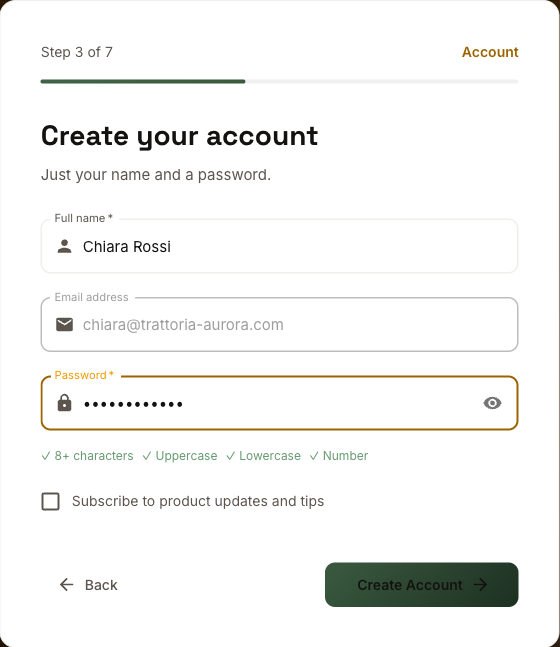
Step 3: Create your account
Add your name and choose a password. Passwords need at least 8 characters, including an uppercase letter, a lowercase letter, and a number.
Step 4: Verify your email
We send a 6-digit confirmation code to your email address. Enter it to confirm the account is yours. If it doesn't arrive, use Resend code.
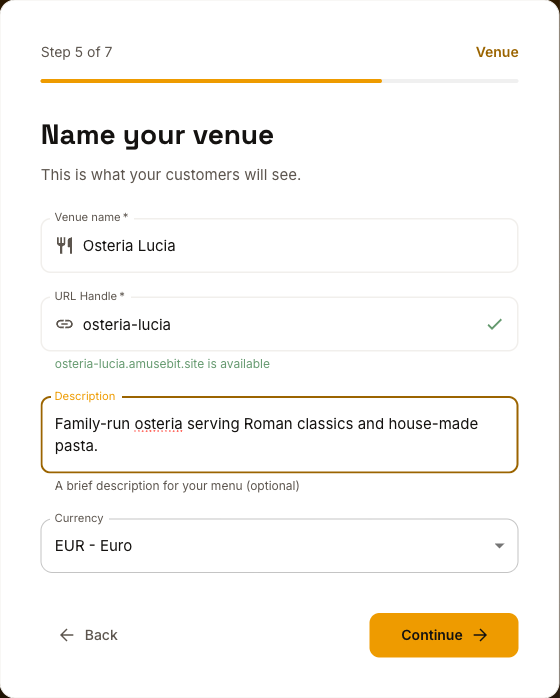
Step 5: Name your venue
Enter your venue name and an optional short description. Amusebit suggests a handle (the part before .amusebit.site) based on your name; you can edit it, and we'll show you whether it's available. Choose your currency here too.
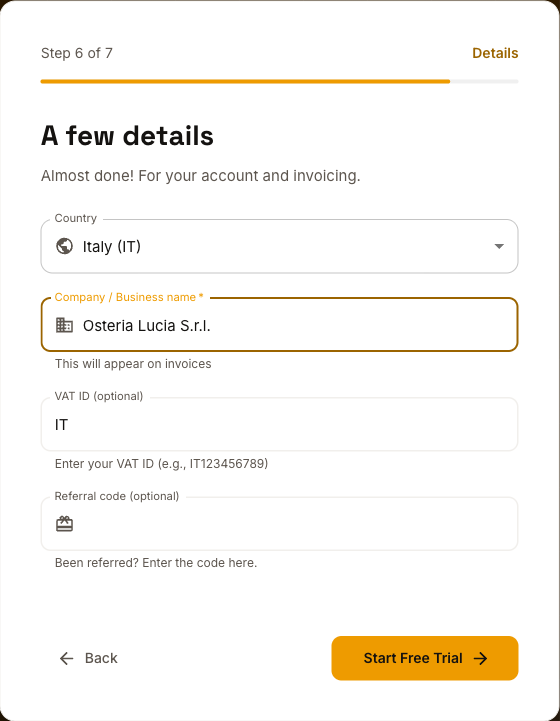
Step 6: Business details
Add your country and business name for invoicing, plus a VAT ID if you have one. These appear on your invoices. To change them later, contact support.
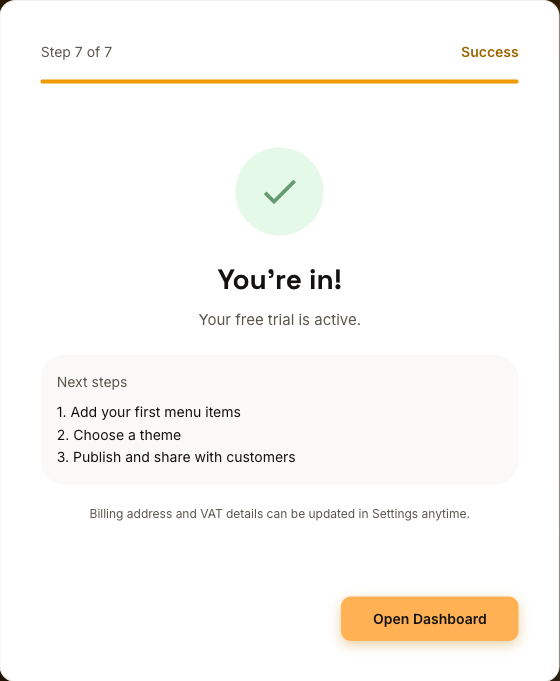
You're in!
That's it: your free trial is active. Click Open Dashboard to start building your menu.
Logging back in
Next time, go to the login page and sign in with your email and password. Forgot your password? Use the Forgot password? link to reset it.
Ready to build? Continue with the 5-minute quick start.