Themes
Pick a menu design from four themes: Classic, Modern, Rustic, and Coastal. See what each looks like, which venues it suits, and how to switch.
A theme sets the overall look of your menu: its layout, typography, and default colors. Amusebit includes four themes, and you can switch between them any time in the Studio editor's Styling mode.
Choosing a theme
- Open the Studio editor and switch to Styling.
- Open the Theme dropdown and pick a theme.
- The live preview updates instantly so you can compare looks.
- Publish when you're happy with it.
After choosing a theme, you can fine-tune its colors and fonts.
The four themes
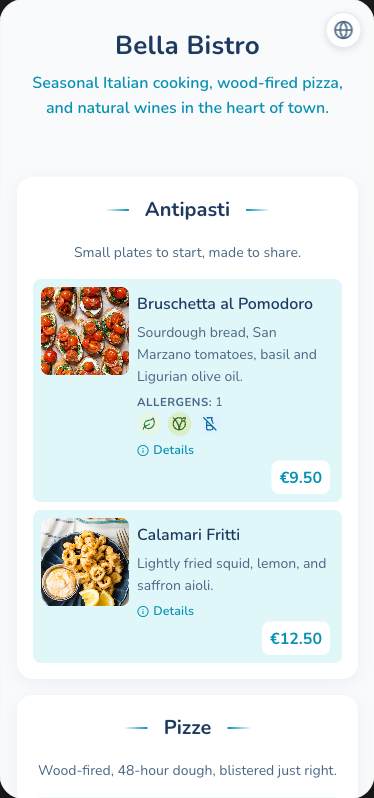
Classic
Clean, mobile-first menu design with a card-based layout and optional venue branding. A safe, versatile default.
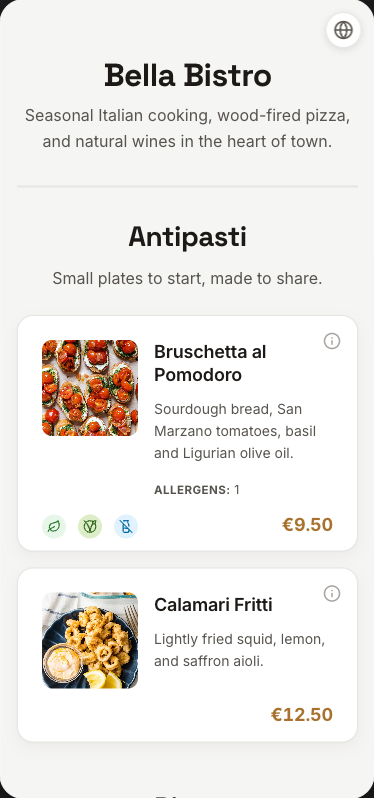
Modern
Clean, minimalist design with bold typography and high contrast, suited to urban venues.
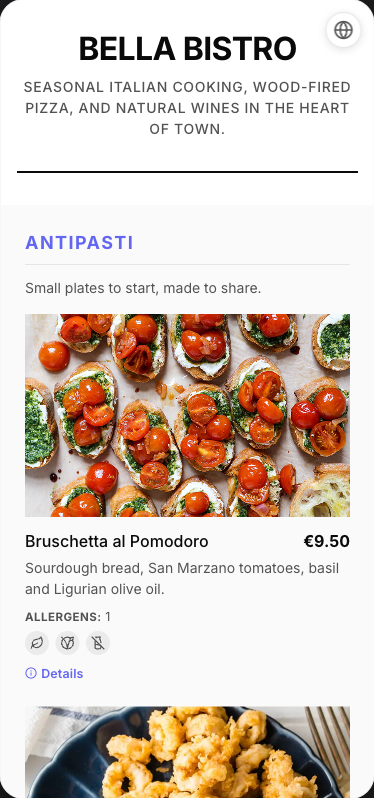
Rustic
Warm, artisanal design with organic textures. Great for gastropubs, breweries, bakeries, and farm-to-table restaurants.
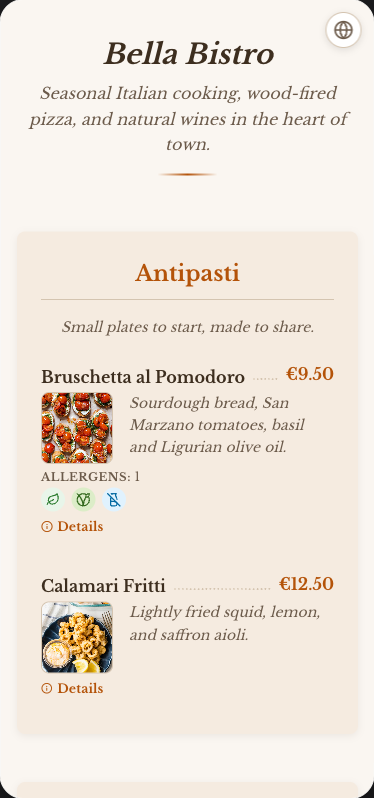
Coastal
Light, airy design inspired by the Mediterranean. Perfect for beach bars, seafood restaurants, and poolside venues.