Publishing your menu
Learn how your draft and live menu differ, how to publish menu changes, update prices or specials anytime, and discard unpublished edits.
Your menu has two states: a private draft that you edit, and the live version your guests see. Editing never changes your live menu until you choose to publish.
Draft vs. live
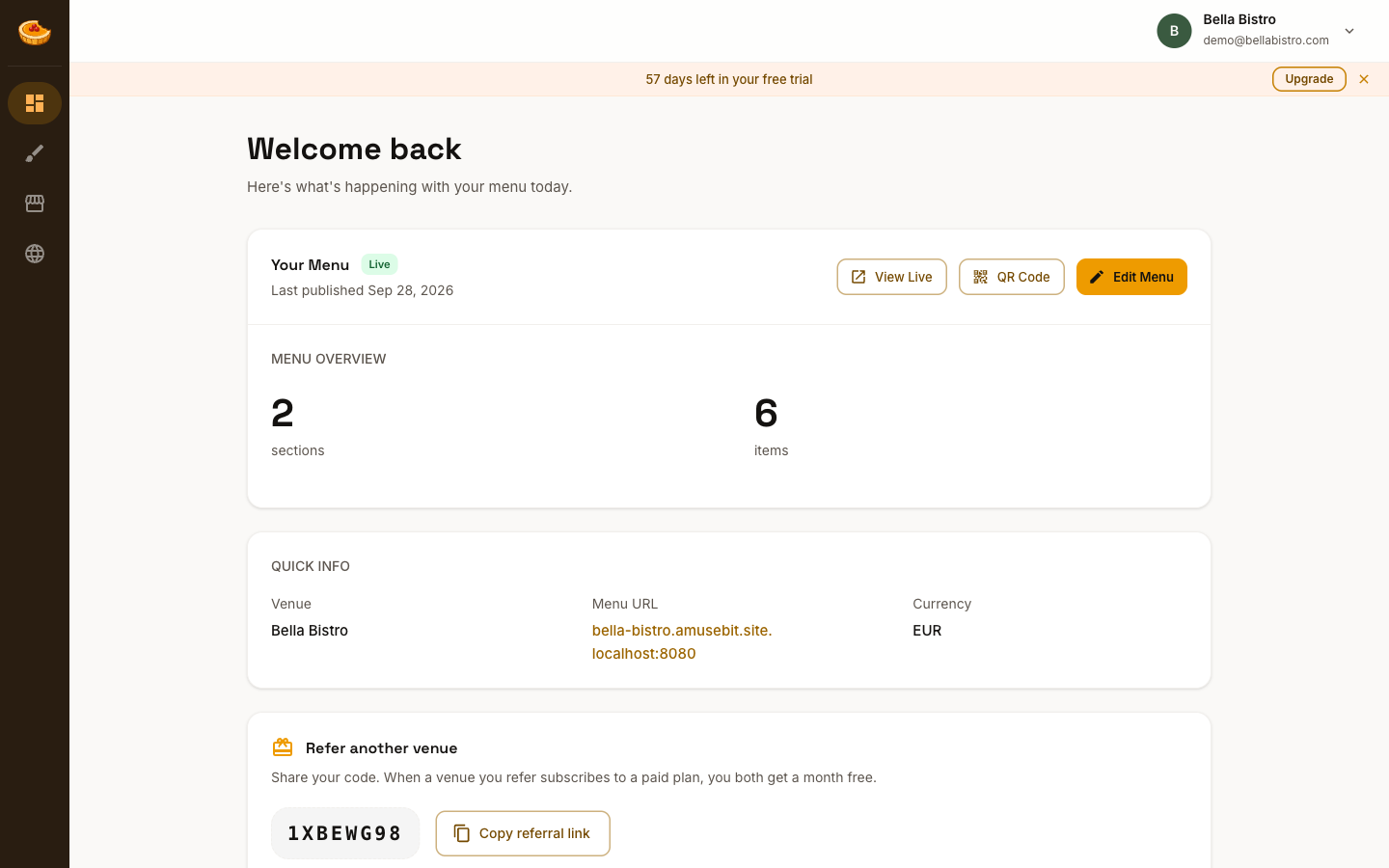
While you're editing in the Studio, your menu carries a Draft badge and your changes save automatically, but they stay private. Your dashboard shows whether your menu is Live or still a draft, along with when you last published.
Publishing
- In the Studio editor, click Publish.
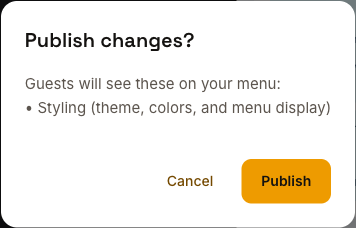
- A short confirmation summarizes what will go live (your menu content and/or styling changes).
- Click Publish to confirm. Your menu updates right away.
Making updates
Edit your menu whenever you like. Your changes stay in draft until you publish again, so guests keep seeing the current live version until you're ready. To update prices, add a special, or change a description, just edit and publish again.
Discarding changes
Changed your mind about your unpublished edits? Click Discard Changes to throw them away and revert to the last published version. You'll be asked to confirm, and this can't be undone.